


Lockers
Smart lockers: Access managed. Handoffs handled. No guesswork.
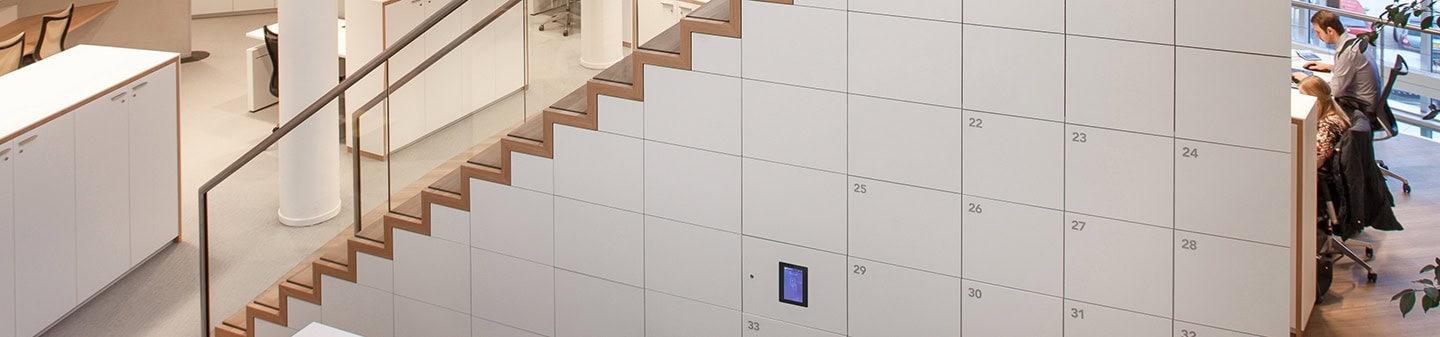
A locker with a key can only do so much. Eventually, someone loses the key, forgets the code, misses the handoff, or asks the front desk where their package went. Classic storage problem. Very little joy.
Smart locker solutions add digital access and management tools to the mix, giving organizations a cleaner, more adaptive way to handle pickup, drop-off, personal storage, shared equipment, and day-use needs. People get what they need without waiting on a gatekeeper, and administrators get visibility without becoming full-time locker detectives.
Smart lockers for schools support:
- Controlled Access: Give the right people access to the right locker at the right time
- Secure Handoffs: Support pickup, drop-off, and exchange without constant staff involvement
- Usage Visibility: See how lockers are being used and when access happens
- Flexible Storage: Support assigned, shared, temporary, or day-use needs
- Staff Efficiency: Reduce key chasing, follow-up, and manual coordinating
Get a plain-English look at smart locker use cases, digital locker access options, management considerations, and the questions worth asking before you spec a system.
Where smart lockers make sense.
Smart lockers don’t have a favorite industry. They adapt to the way people need to store, retrieve, share, and exchange items. Here’s where they tend to show up.
Smart lockers
Package & Mail Rooms
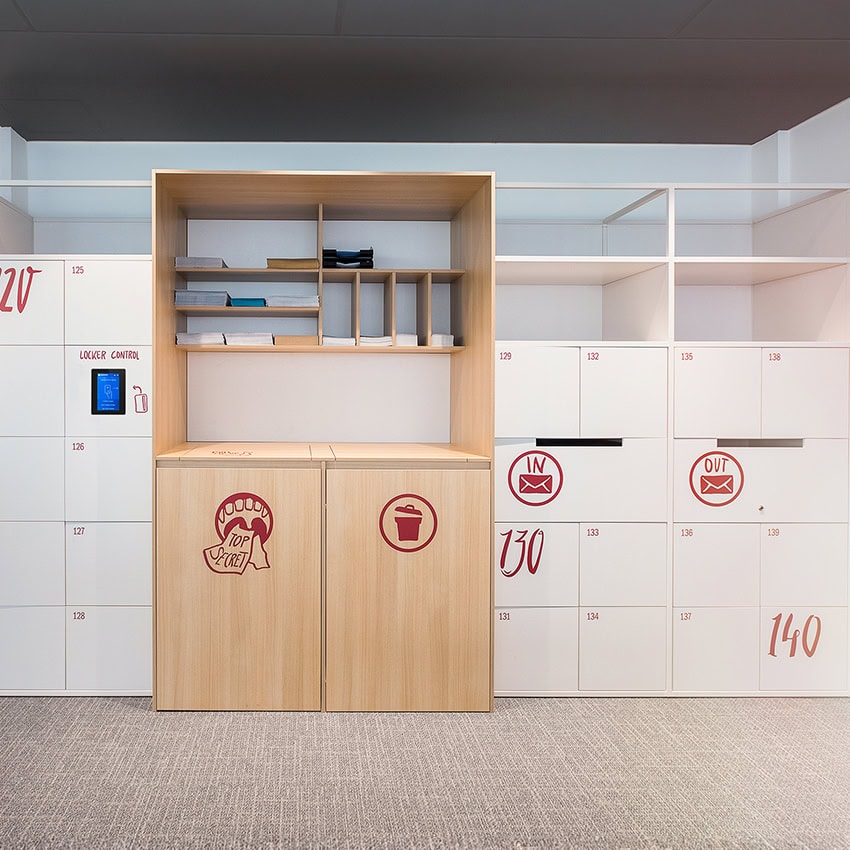
Give recipients a secure, self-serve pickup point for packages. Reduce front-desk burden, keep mailroom staff moving, and cut down on package confusion.
Learn More
Smart lockers
Visitor & Guest Storage
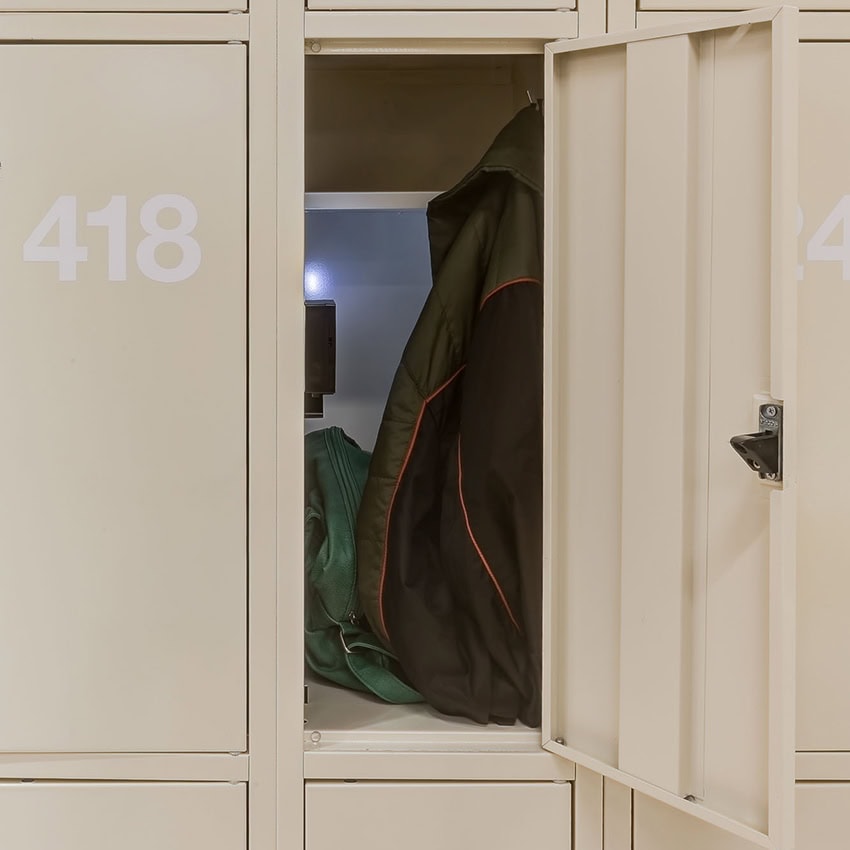
Provide convenient temporary storage for guests, contractors, or visitors who need somewhere to stow belongings during their visit. No key handoff required.
Learn More
Smart lockers
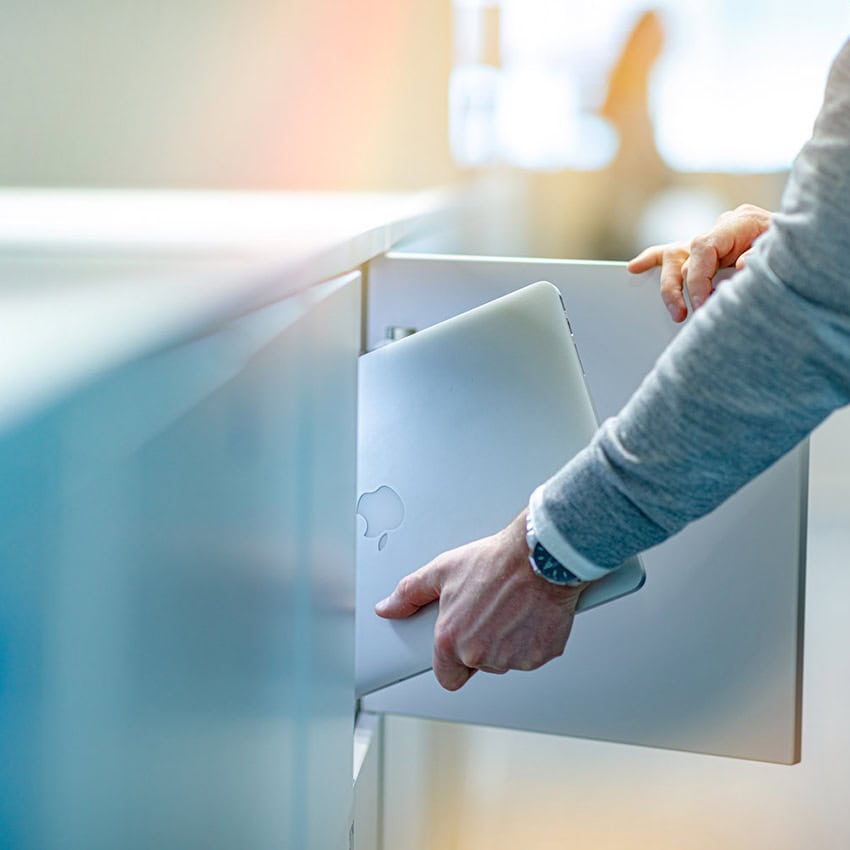
IT Exchanges
Streamline device checkout, returns, repair swaps, and overnight charging. Smart lockers help IT teams manage equipment handoffs.
Learn More
Smart lockers
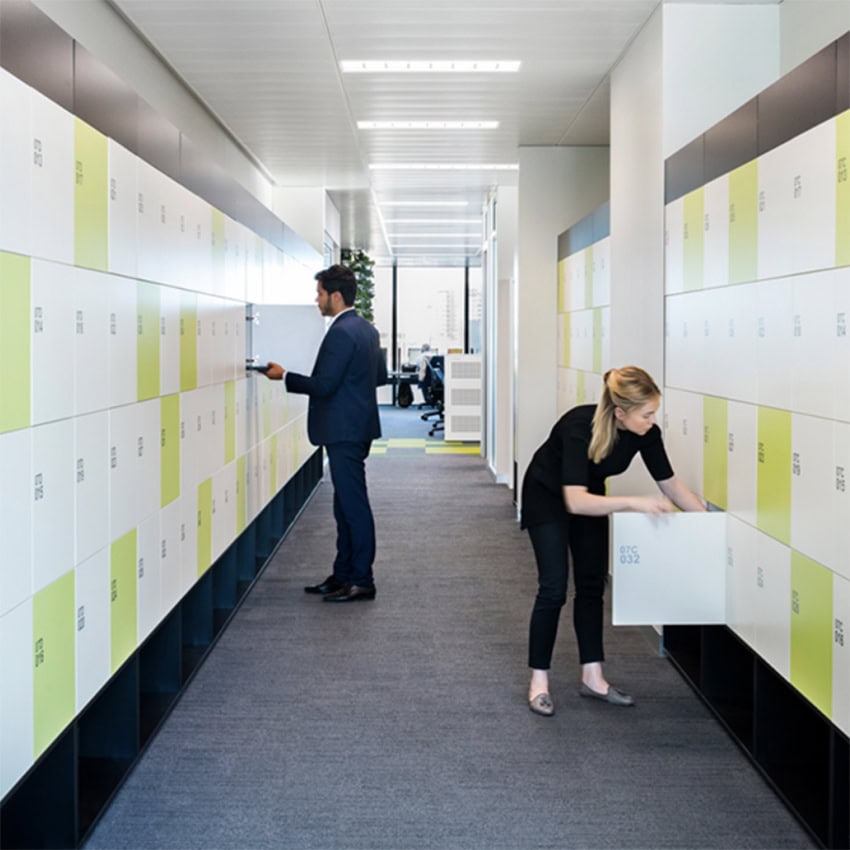
Day & Personal Use
Provide assigned personal or on-demand day-use storage with digital access that eliminate physical key management. Ideal for employees, students, members, hoteling setups, and hybrid teams.
Learn More
Smart lockers
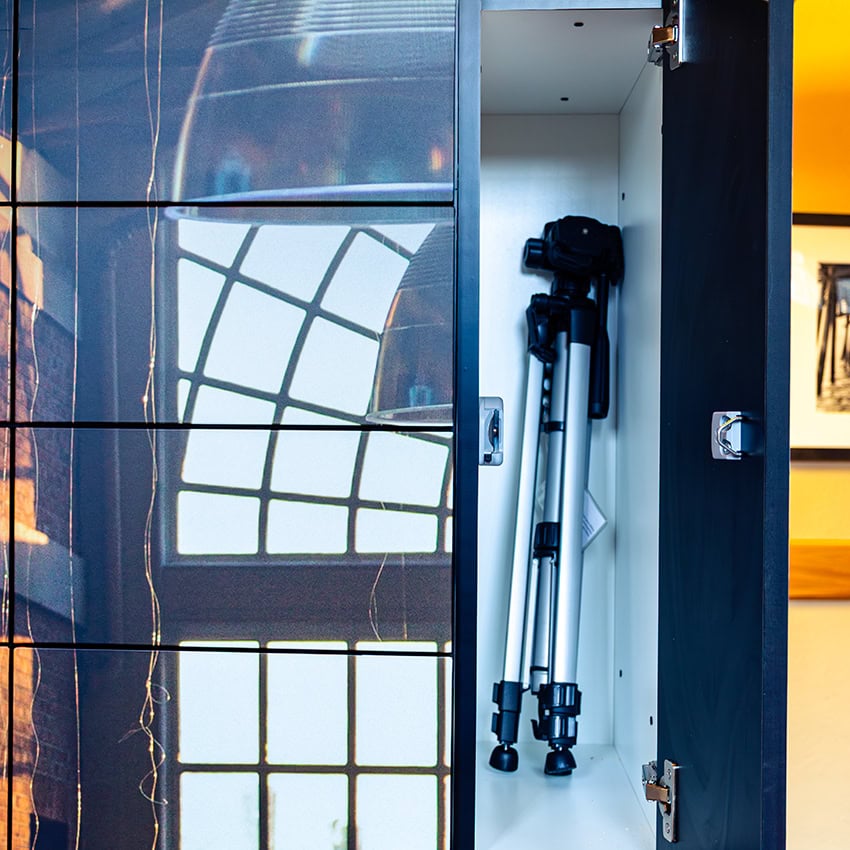
Pickup & Drop-Off Exchanges
Support secure handoffs between teams and departments. Useful anywhere materials, documents, or equipment need to move without a face-to-face exchange.
Learn More
Smart lockers
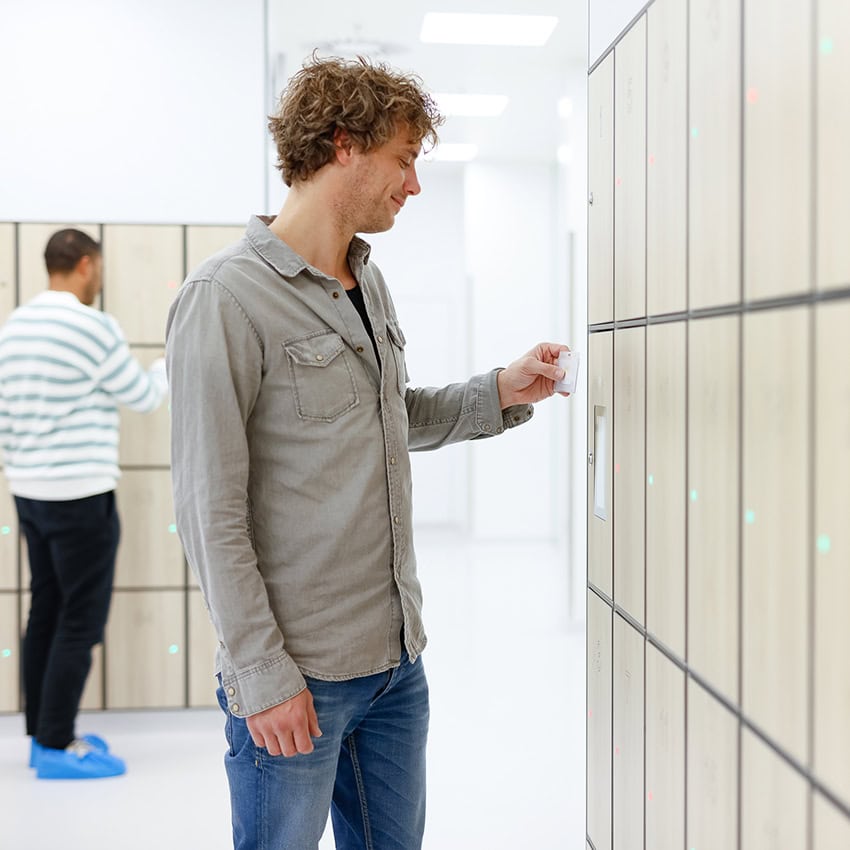
Shared Asset Management
Manage shared tools, equipment, or resources that multiple people need throughout the day. Track who has what, when it was taken, and when it was returned.
Smart lockers
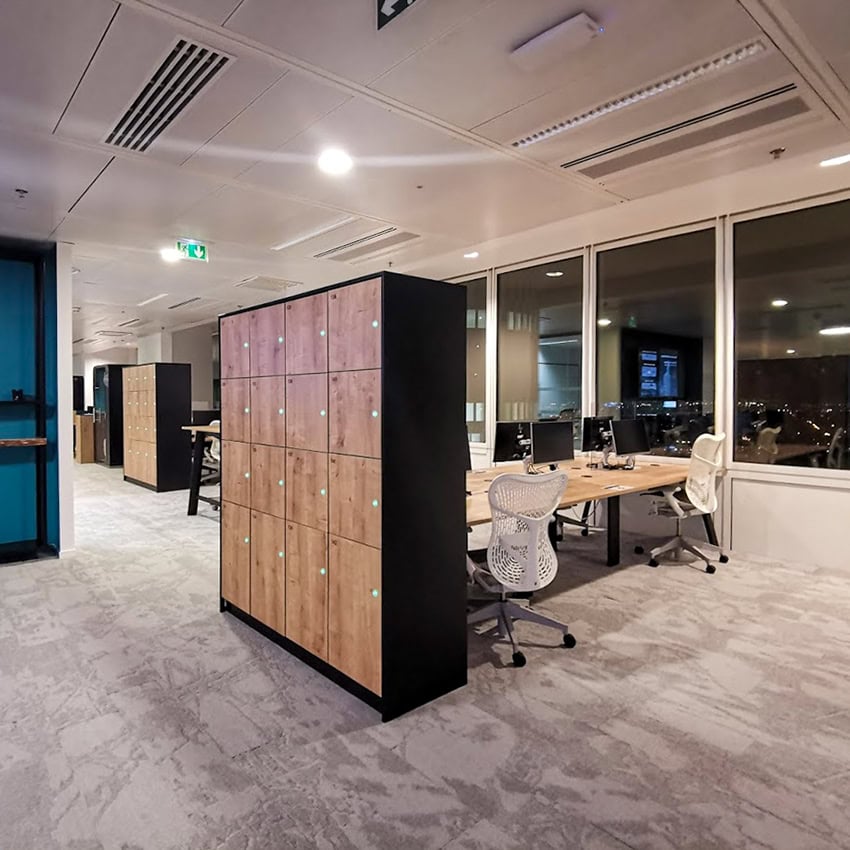
After-Hours Access
Allow approved users to retrieve or return items outside staffed hours. Users get what they need, while administrators keep control over who gets in and when.
What makes a smart locker “smart”?
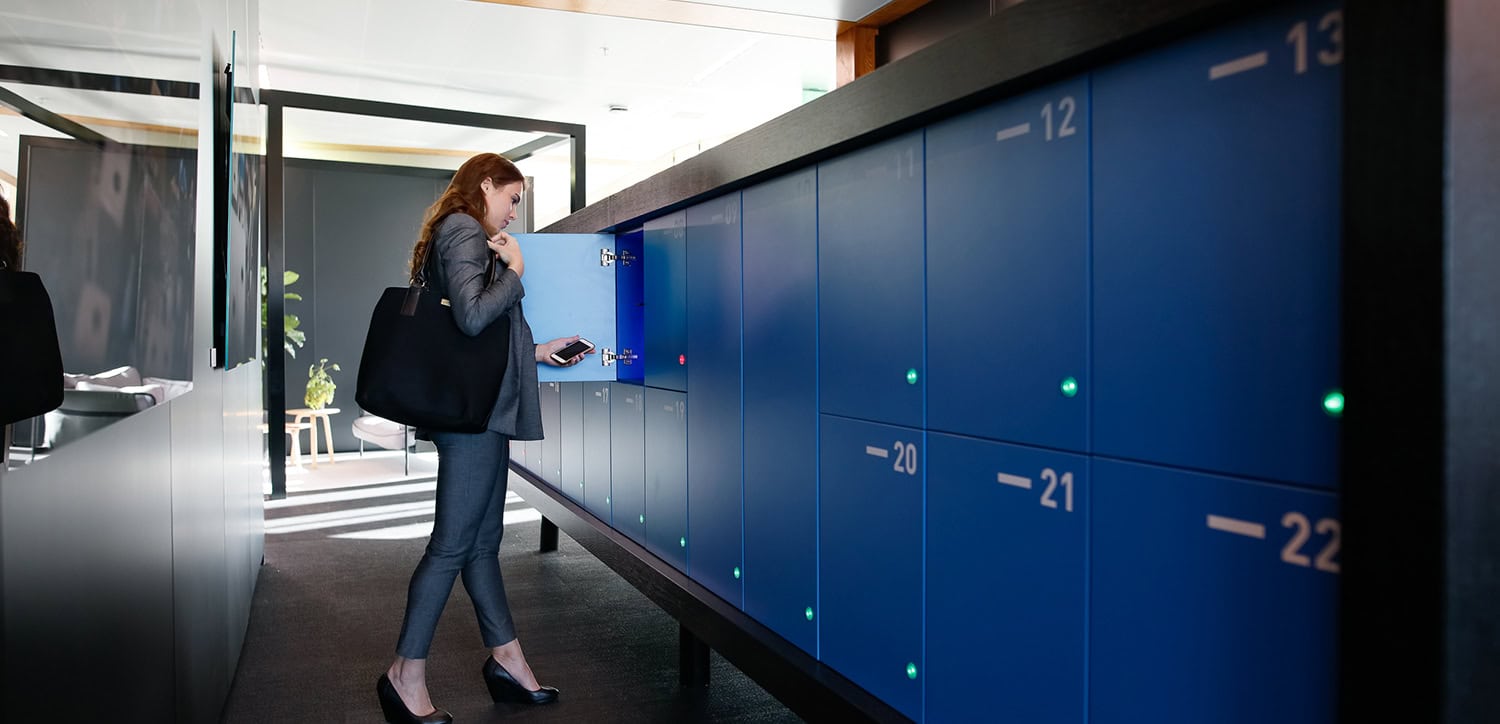
1. Open lockers with approved credentials like badges, mobile access, QR codes, PINs, or biometrics
2. Assign lockers permanently, temporarily, on demand, or across different user groups and schedules
3. Track who accessed a locker, when it happened, and how the locker is being used
4. Notify users when packages arrive, lockers are assigned, or access is about to expire
5. Manage access and adjust assignments without handling every locker change manually
6. Connect with existing credentials, building access tools, or facility systems, depending on the platform
These digital locker solutions aren’t just about adding technology to a door. They’re about making storage easier to use, easier to manage, and more adaptable to daily needs.
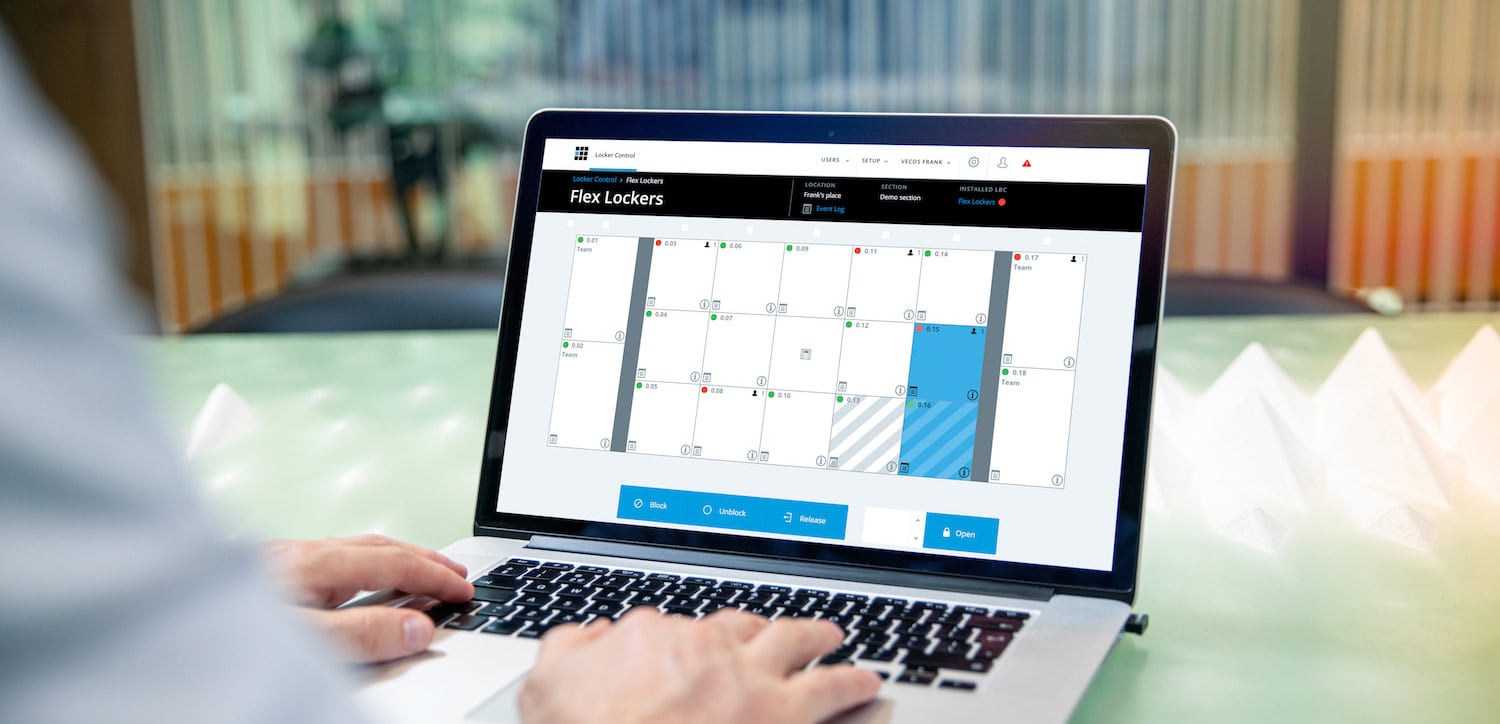
The smart locker system behind the locker.
Users see the lockers. Administrators see the bigger picture: who’s using them, what’s available, and what needs to change.
- Give admins one place to work from. Oversee locker use, availability, user permissions, and assignments without managing every compartment as its own separate little storage kingdom.
- Adjust without the manual shuffle. Update access, assignments, or timing as users, schedules, departments, or workflows shift.
- See more across the system. View locker activity, usage patterns, availability, and access history, depending on the platform and setup.
- Support more than one process. Use the same smart locker system for package pickup, device exchange, day use, assigned storage, guest access, or shared assets.
The goal is simple: less manual oversight, clearer control, and a locker setup that can adapt as your space changes.
How users get in.
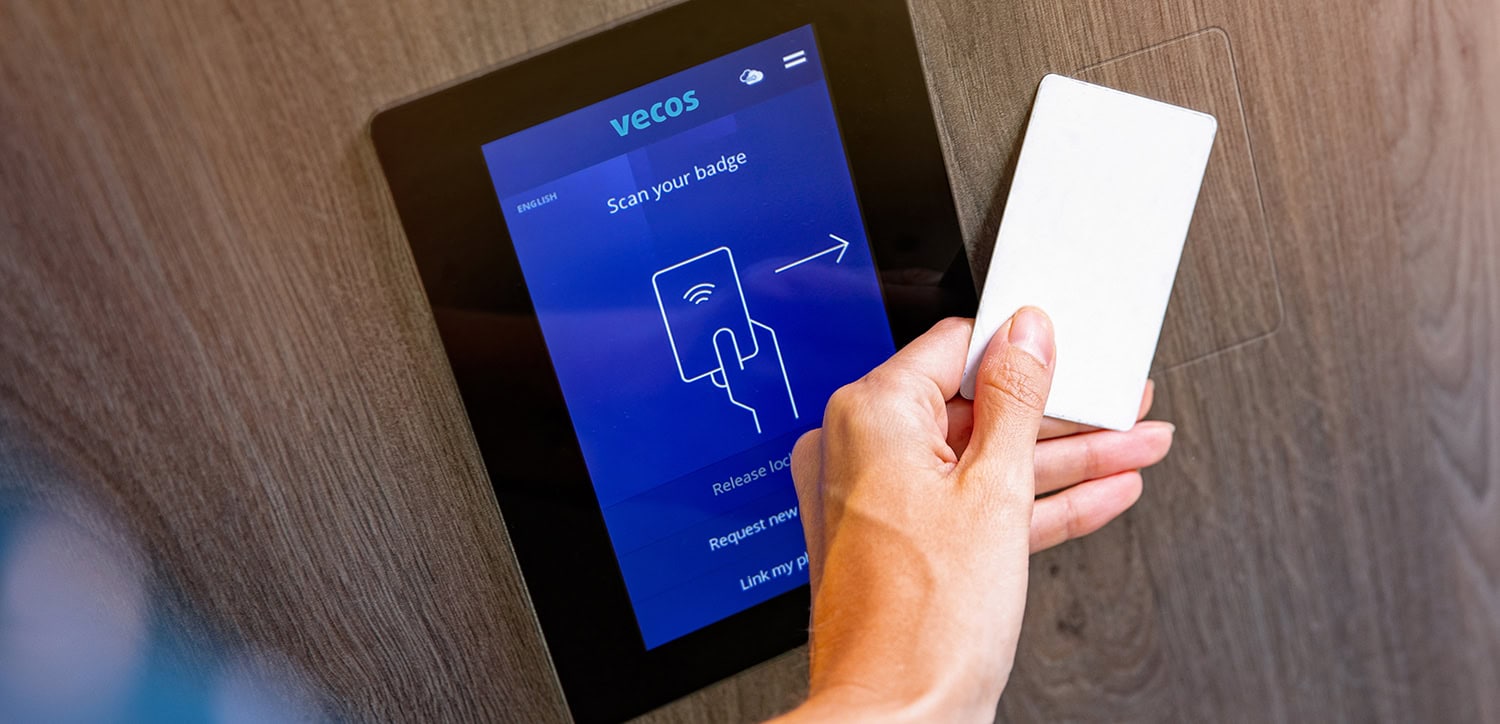
One key to rule them all sounds simple—right up until someone loses it. Smart lockers can support a range of access methods, helping the system adapt to your users, workflow, and setup.
- RFID / Badge-based access: Users open lockers with company badges, campus IDs, or RFID cards. They’re a strong fit when people already carry an approved credential.
- Mobile credential access: Users access or reserve lockers through a smartphone app or mobile-enabled credential. Useful for flexible environments with high mobile adoption.
- Biometric access: Some smart locker solutions may support biometric options, such as facial recognition, when configured for that use case.
- QR code access: QR codes can support temporary, visitor, package pickup, or one-time access workflows without requiring a long-term user credential.
- NFC / connected device access: Near-field communication can allow users to access lockers through compatible devices or credentials, depending on the system and hardware.

Design Resources
Review our selection of quality brochures.